Bottom line: Approve the artwork before it becomes a physical product.
Why it works: Map composition and print format are reviewed together, with a final chance to catch text, crop, route, and framing issues.
Try this: Inspect the rendered file at full size, then choose the paper, dimensions, and frame for the wall where it will live.
Personalized print ordering should not begin with a blind form. A map poster contains too many connected decisions: geographic radius, road density, title, subtitle, coordinates, pin or route placement, theme, aspect ratio, and frame.
Monotopo separates composition from fulfillment so the version sent to print is the version you have already seen.
Finish the composition in the studio
Choose the place, tune the map, add the necessary text, and select any pins or route data. Then choose the product details that affect the artwork’s shape: fulfillment region, category, paper or finish, size, and available frame color.
The selected format controls the aspect ratio. Review the crop after changing size. Check that coastlines, route endpoints, titles, and important streets still have breathing room.
Review the final render
After rendering, the poster appears in the saved map gallery. Open it at full size and check the details that are easy to miss in a small preview:
- city and country spelling;
- coordinates and custom subtitle;
- map-pin position;
- route start, finish, and any recording gaps;
- road contrast and density;
- clear space around the edges;
- orientation and crop for the selected product.
Download the file if you want a local copy. If something is wrong, return to the studio and edit it before checkout.
Choose the physical finish for the room
Paper, size, and frame should respond to where the piece will hang. A pale map in a bright room can benefit from the definition of a thin black frame. A warm map beside timber furniture may suit oak or walnut.
Measure the wall rather than guessing from the screen. Use painter’s tape to mark the outer frame dimensions and view the shape from the doorway and main seating position.
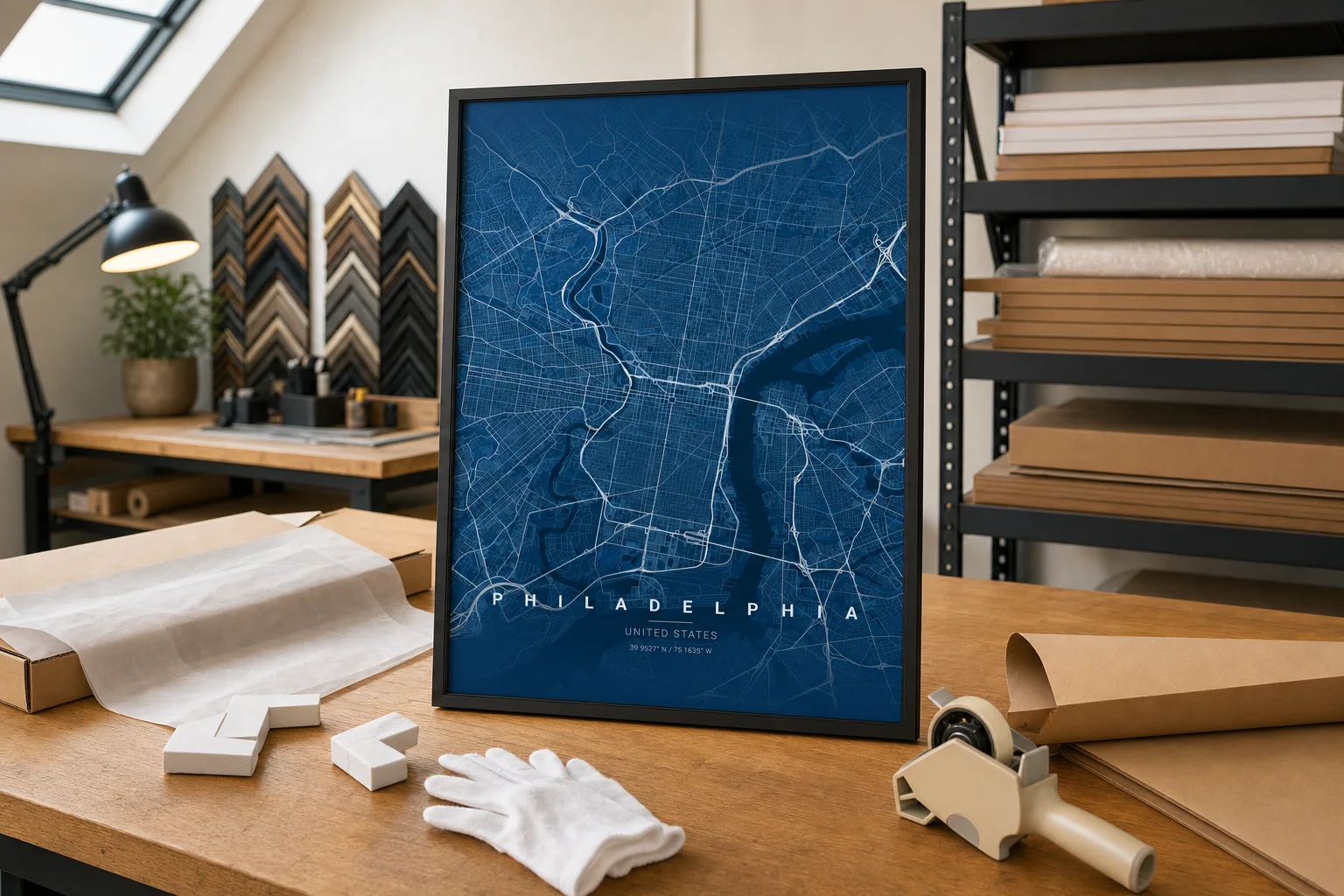
The Philadelphia blueprint print above is shown at the framing bench with corner protection, archival tissue, and packing materials. That workshop context belongs to this stage of the story: the design is finished and the job is now to protect it.
Checkout and follow the order
Once the artwork and product details are correct, continue through checkout. The order view keeps the useful milestones together: payment, fulfillment, production, shipping, and tracking when available.
Status updates cannot replace the initial review. They can only report what is happening to the approved design. Taking a few deliberate minutes before payment is the simplest way to ensure the physical print begins from the right file.
Compose the poster first, approve it carefully, and only then send it to print.