For real estate agents
Create a closing gift from the buyer’s neighborhood.
Create personalized neighborhood map posters for sold-property addresses, closing gifts, and client follow-up campaigns using the same studio controls as individual orders.
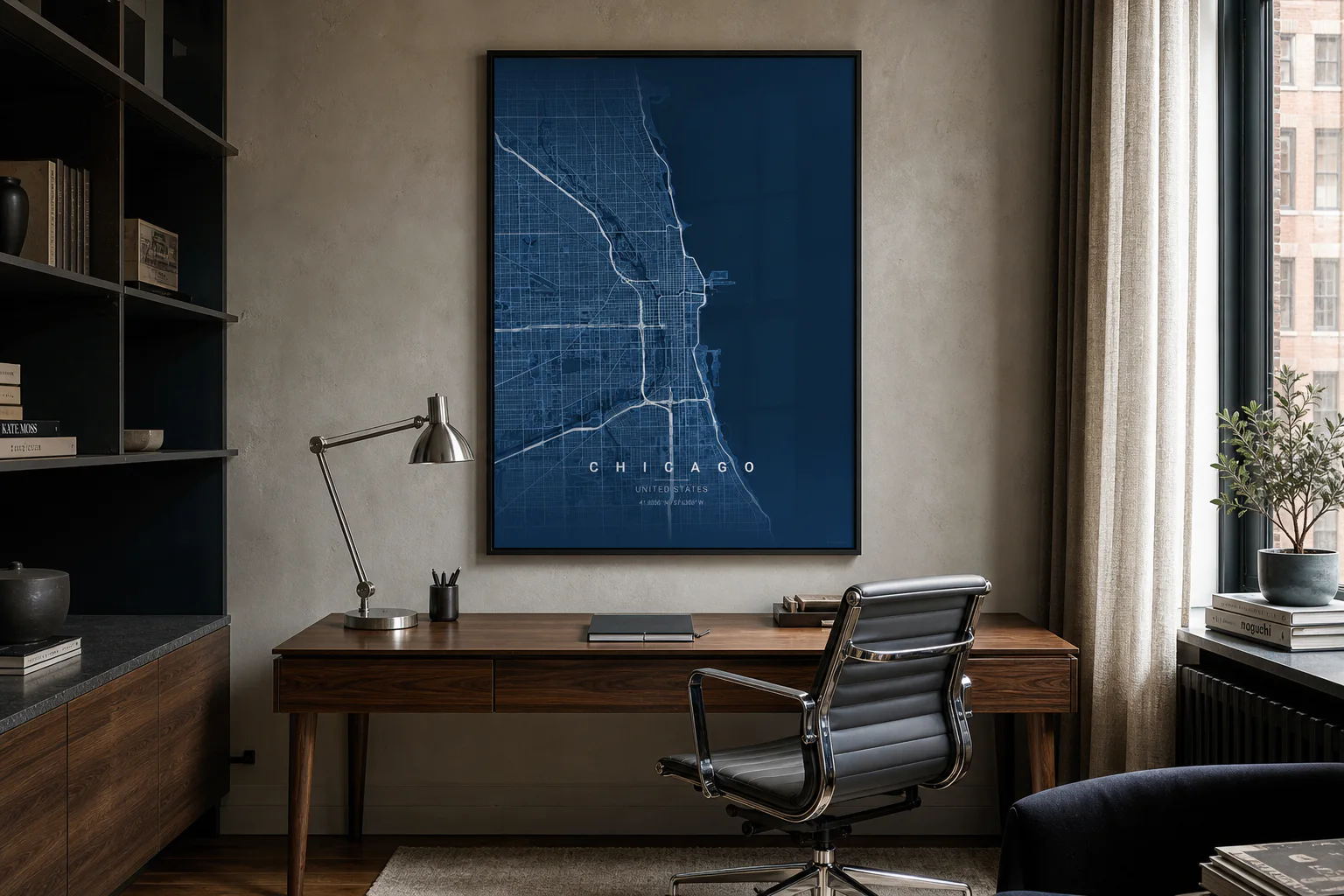
Details
What is included.
- Workflow
- Preview, approve, fulfill
- Output
- PNG download or physical print
- Data
- OpenStreetMap
Team workflow
Create, review, and output the map.
- 01
Create the address map
Search the sold-property city or neighborhood, then tune radius, roads, text, and pin style.
- 02
Review the preview
Compose the poster, download the PNG for approval, or return to the studio to adjust the design.
- 03
Print and track
Choose the product, checkout, and follow payment, fulfillment, production, and shipping status.
Common projects
Where this format is used.
- Buyer closing gifts
- Listing anniversary gifts
- Neighborhood farming
- Brokerage client programs
Questions
Product details.
Can teams create more than one map poster?
Yes. Teams can repeat the same studio workflow for multiple addresses, properties, venues, or client locations, then print only the approved maps.
What data is the map based on?
Street, waterway, park, road hierarchy, and boundary geometry comes from OpenStreetMap data.
Can previews be reviewed before printing?
Yes. The workflow is compose, review, download or checkout, so only approved map poster concepts move into production.
Open the studio